
Every sale. A clearer picture.
Connect the counter to stock and daily reconciliation.
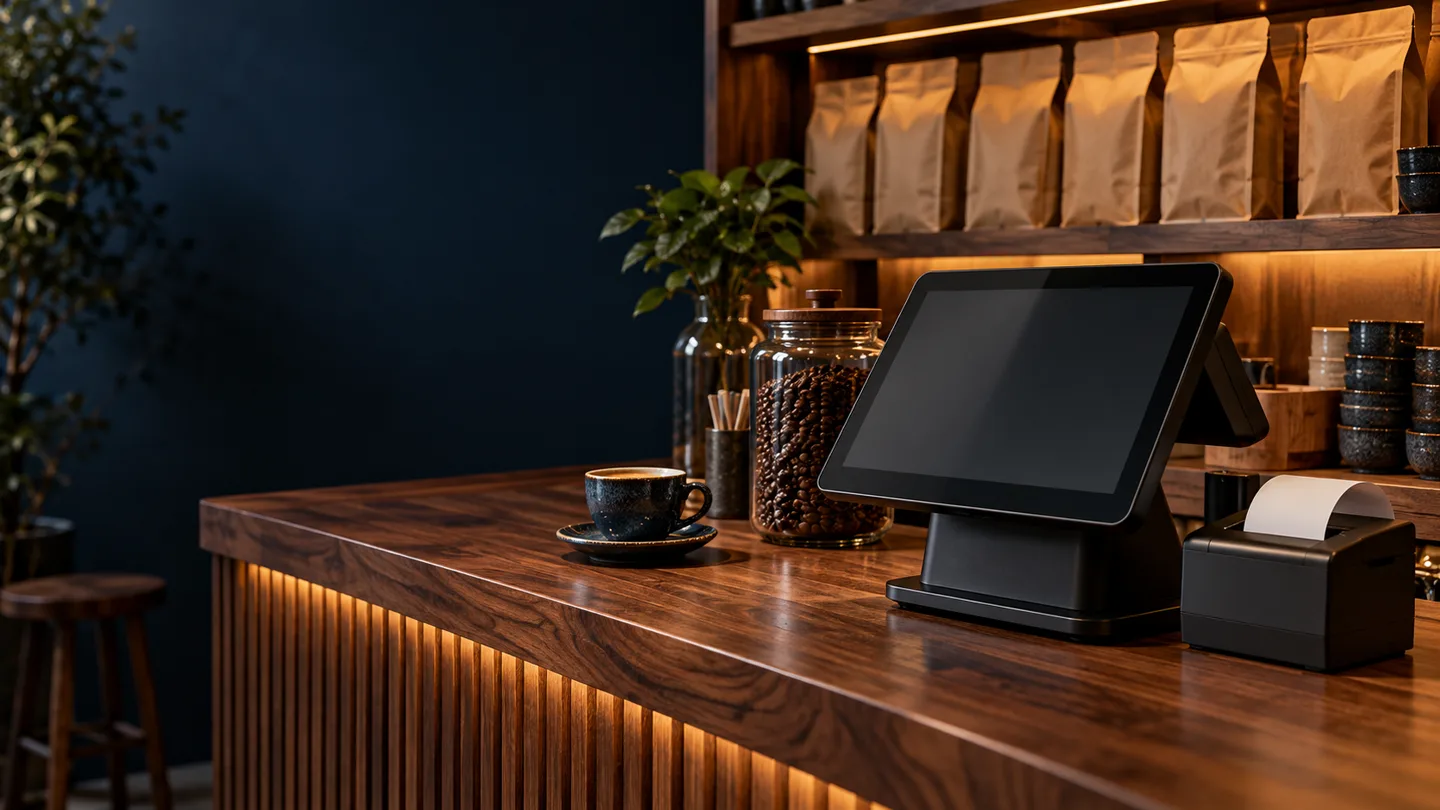
See the pieces connect.
Explore each step below.
Interactive concept — not a live store, booking system or product dashboard.
Find items, apply agreed pricing rules and record the payment method without making the counter workflow harder.
Start with what matters.
A focused first release, shaped around how you work.
How the journey works
- 01
Record the sale
Find items, apply agreed pricing rules and record the payment method without making the counter workflow harder.
- 02
Update the stock
Keep item movements tied to sales, returns and adjustments. Review operational connections with Classytic where needed.
- 03
Reconcile the day
Compare recorded sales, payment totals and stock movements. Scope bookkeeping exports and review needs before choosing an integration.
What your first release can include
- Counter sales and receipts
- Stock movements and returns
- Staff permissions and closing workflow
- Bookkeeping and device compatibility review
What we agree before building
Offline use, printers, scanners, payment terminals and accounting connections require compatibility checks. Tax or VAT requirements are scoped separately; this is an illustrative workflow.
- How many counters, staff members and locations do you operate?
- Which printers, scanners or existing POS tools do you use?
- How do you reconcile cash, digital payments and stock today?
Will it work with our receipt printer and scanner?
We need the device models, connection types and operating environment to assess compatibility. Hardware support is confirmed during scoping, rather than assumed.
Can we use it if the internet goes down?
Offline operation needs explicit design for local storage, synchronisation and conflict handling. Tell us how long a counter must work without a connection so we can assess the right approach.
LET’S MAP YOUR NEXT STEP
Tell us how you work today.
Tell us about your business. We’ll discuss a practical first release on WhatsApp.